VM Blast Maya Deposit and Withdrawal: Fees, Limits and Processing Times
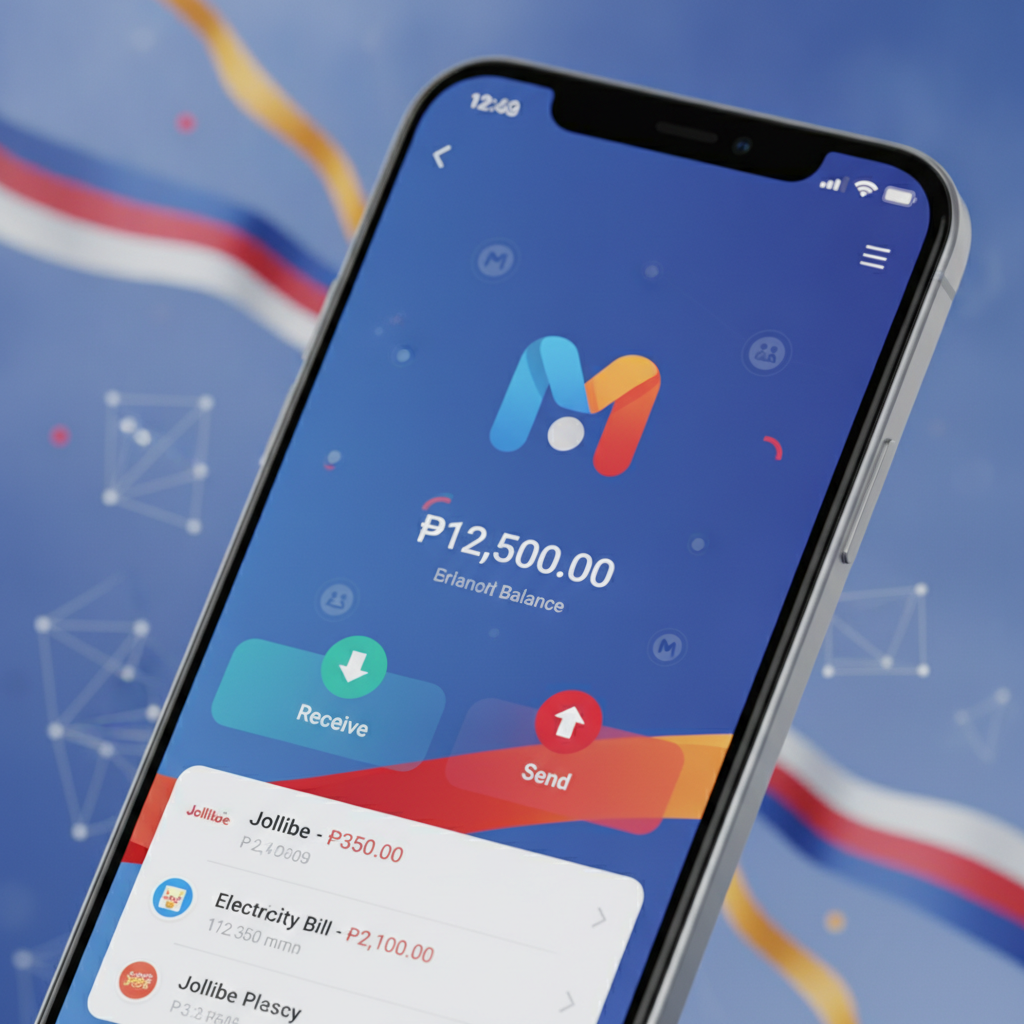
Linking Your Maya Account for Deposits and Cashouts
VM Blast accepts Maya as an e-wallet option for both deposits and withdrawals. Before you can move money, you need to link your Maya account to your VM Blast player profile.
Log in to VM Blast on your phone or browser. Tap the Deposit or Cashier button—the label varies depending on the version of the site you're using. Select Maya from the list of payment methods. On your first deposit, VM Blast will ask you to enter your Maya mobile number. This is the number registered to your Maya account, not just any contact number.
Enter the mobile number exactly as it appears in your Maya app—include the country code prefix +63 if the form requires it, or enter it as 09 if the field is Philippines-only. VM Blast will save this number to your account. For all future deposits and withdrawals, the platform will use this linked number. You cannot change the linked Maya number yourself; if you need to update it, contact VM Blast customer support through live chat or the help page.
Your Maya account must be fully verified before VM Blast will process withdrawals. Maya's verification requires a valid government ID and a selfie. If your Maya account is not verified, deposits may still go through, but cashouts will be rejected and you will see an error message asking you to complete Maya's KYC process. Check your Maya app under Account > Verification to confirm your status.
Deposit Limits and Platform Fees
The minimum deposit through Maya on VM Blast is PHP 100. This matches the floor for GCash and most bank transfer options. The maximum deposit per transaction is typically PHP 50,000, though this ceiling can vary based on your VM Blast account status and Maya's own transaction limits.
If your Maya wallet has a lower tier or an unverified account, Maya itself may cap your outgoing payments at PHP 10,000 or PHP 25,000 per day. These are Maya's rules, not VM Blast's. To lift Maya's limits, upgrade your wallet to a Maya Card or complete full verification inside the Maya app.
Platform fees: VM Blast does not charge a deposit fee when you use Maya. The amount you send is the amount that lands in your VM Blast balance. However, Maya may apply a small convenience fee on certain transaction types—typically a few pesos or a percentage for cash-in methods linked to your Maya wallet. These fees appear in the Maya app before you confirm the transaction, not on the VM Blast side.
To deposit, select Maya in the cashier, enter the amount between PHP 100 and your session maximum, and confirm. VM Blast will redirect you to a Maya payment page or prompt you to approve the transaction inside the Maya app. Approve the push notification or enter your Maya PIN. The deposit usually appears in your VM Blast balance within one to three minutes. If the deposit does not arrive within five minutes, check your Maya transaction history. If Maya shows the payment as successful but VM Blast has not credited your balance, screenshot both screens and contact VM Blast support.
Withdrawal Limits Per Transaction and Daily Caps
VM Blast sets a minimum withdrawal of PHP 100 for Maya cashouts, the same as deposits. The maximum per transaction is typically PHP 50,000, and the daily withdrawal cap is usually PHP 100,000. These limits apply to the sum of all withdrawal requests across all methods—Maya, GCash, and bank transfers combined—not separately for each e-wallet.
If you are a new player or have recently verified your account, VM Blast may impose a lower daily limit during your first few cashouts. This is a standard security measure. After you process a few successful withdrawals and your account history is established, the platform may raise your daily ceiling.
Before requesting a withdrawal, confirm that your VM Blast account is fully verified. This means you have uploaded a valid government ID (passport, driver's license, UMID, or Postal ID) and proof of address if requested. Unverified accounts will see withdrawal requests placed on hold. VM Blast will notify you by email or SMS if additional documents are required.
To withdraw, go to the Cashier or Withdrawal section, select Maya, and enter the amount you wish to cash out. The system will show your available balance minus any active bonus funds or wagering requirements. You cannot withdraw bonus money or winnings tied to an uncleared promotion. Once you submit the request, VM Blast begins processing.
If you attempt to withdraw more than your daily limit, the transaction will be rejected and you will see an error message stating the cap. Break the amount into smaller requests across multiple days if you need to cash out a large balance.
How Long Maya Cashouts Take vs GCash
Maya withdrawal processing times on VM Blast typically range from one to four hours during business hours, weekdays between 9 AM and 6 PM Philippine Time. Outside business hours—evenings, weekends, and public holidays—cashouts can take up to 24 hours.
VM Blast first reviews the withdrawal request internally. This compliance check usually clears within 30 minutes if your account is verified and the transaction is routine. Once approved, VM Blast sends the funds to Maya's payment gateway. Maya processes incoming credits in near-real-time, so the money should appear in your Maya wallet within minutes of VM Blast's release.
Comparing Maya and GCash speeds: In practice, Maya and GCash cashouts from VM Blast run at similar speeds. Both rely on the same internal approval queue and both e-wallets credit incoming transfers almost instantly once released. Some players report that Maya can be slightly faster during peak hours because GCash sometimes experiences network congestion or maintenance windows. However, the difference is marginal—usually a matter of minutes, not hours.
If your Maya withdrawal is still pending after four hours on a weekday, check the Transaction History or Withdrawals tab in your VM Blast account. If the status shows Processing or Pending, the request is in the queue. If the status changes to Approved or Completed but the funds have not reached your Maya wallet, open the Maya app and look for the incoming transaction. If it does not appear within 30 minutes of approval, contact VM Blast support with your transaction reference number and a screenshot of the approval.
Failed withdrawals usually occur because of mismatched details—your linked Maya number in VM Blast does not match the number on your Maya account, or your Maya wallet is not verified. VM Blast will return the funds to your player balance and send a message explaining the reason. Correct the issue and submit a new withdrawal request.
21+ Only and Responsible Gambling Reminder
VM Blast is available only to players aged 21 and over. Gambling involves real money and real risk. Never deposit more than you can afford to lose, and do not chase losses by depositing again immediately after a withdrawal.
If you feel that your betting is becoming a problem, use VM Blast's account controls to set deposit limits or take a break. You can also reach out to organizations that provide free support for gambling-related concerns in the Philippines. Play responsibly and know when to stop.